


Image © HUUM, Unsplash+
I get the call all the time. It’s a mix of frustration and panic. "John, I spent all this money on a beautiful HUUM system and this stupid controller won't connect to my WiFi!" I get it. You're so close to that first perfect sauna session, and the technology is standing in your way. It feels personal. But I'm here to tell you that it's almost never the controller's fault.
I've been installing and troubleshooting these systems for years, and 99% of the time, the issue is one of a few simple, fixable things related to the setup or the home's network environment. My goal here is to give you a practical, hands-on look at getting your sauna online and mastering this brilliant little system. Let's cut through the frustration and get you connected.
The Simple Setup vs. The Common Frustration
The UKU controller is a masterpiece of simple, tactile design. The single knob interface is a joy to use. But the WiFi setup can be a point of frustration if you're not prepared. Here's the difference between a smooth setup and a common struggle.
| The Factor | A Smooth Setup | A Common Frustration |
|---|---|---|
| The WiFi Network | You know to select your home's 2.4GHz network, which has the range and wall-penetrating power to reach the control box. | You repeatedly try to connect to the 5GHz network, which has poor range and causes the connection to fail, even if it looks strong on your phone. |
| The ID Code | You or your electrician wrote down the 6-digit ID code from the main control box during installation and kept it in a safe place. | The control box is now sealed behind a wall or in a hard-to-reach spot, and you have no idea what the ID code is. |
| The App | You go to the app store and download the official black-and-white "HUUM" app. | You mistakenly search for "Hive" and download the "Hive Home" app (with the orange logo) for a smart thermostat, then can't figure out why it won't find your sauna. |
| The Result | A five-minute, one-time process that unlocks the full potential of your sauna for years to come. | A frustrating afternoon of failed connection attempts, error messages, and a system you can't use to its fullest. |
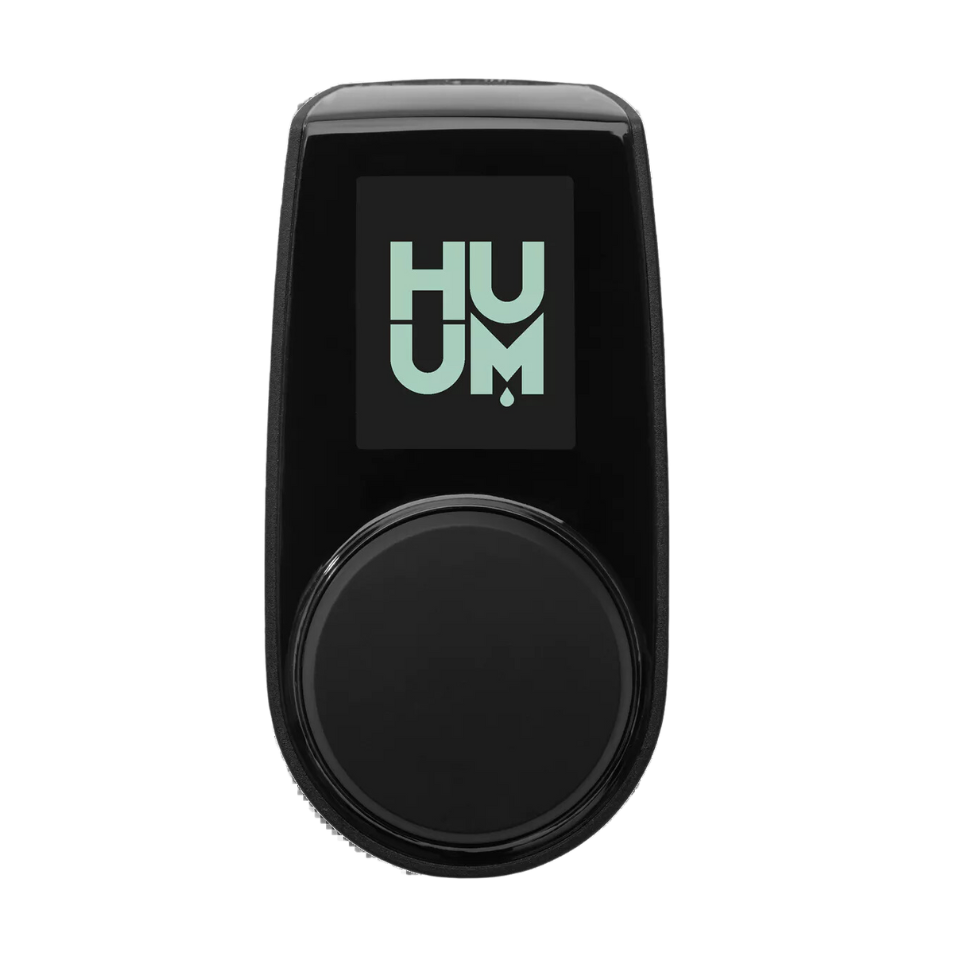
HUUM UKU WiFi Controller
The brain of your modern sauna. Control your heater from the wall or from anywhere with the mobile app.
The Location of the Main Box
This is the most critical and least understood part of the entire system. The sleek UKU panel on your wall is just a remote control. The real "brain" of the system, and the part that contains the WiFi antenna, is the main control box—the gray box that your electrician installed. The location of this box is everything.
It needs to be installed in a dry location outside the sauna, but it also needs to be in a spot that gets a strong, stable 2.4GHz WiFi signal from your home's router. If your electrician mounts this box in a far corner of your basement surrounded by concrete walls and ductwork, the signal will be weak and your app connection will be unreliable. It's that simple.
I remember a job where a client's UKU controller just would not stay connected. He swore up and down that his WiFi was strong everywhere in his house. I went out there with my signal meter, and he was right. His WiFi was great... except for the one specific corner of his basement utility room where the electrician had mounted the UKU control box, right behind a giant cast-iron plumbing stack. That heavy iron pipe was acting like a shield, completely blocking the signal from reaching the antenna inside the box. We moved the box two feet to the left, and it's been rock-solid ever since. It was a surprising discovery that taught me just how sensitive these systems can be to their immediate physical environment.
Before your electrician permanently mounts that box, take your phone, stand in that exact spot, and run a WiFi speed test. It’s the cheapest insurance you can buy for a good connection.
The Golden Ticket: Your Sauna's ID Code
This is the key that unlocks the whole system. To pair the HUUM app on your phone with your specific sauna, you need a unique 6-digit ID code. This code is printed on a label on the main control box. If you lose this code and the box is now sealed up behind a finished wall, you have a serious problem.
I learned this lesson the hard way early on. I had just finished a beautiful HUUM installation for a client. A week later, he called and said he couldn't get the app to pair because it was asking for an ID code. In my haste to finish the job, I had forgotten to write down the code for him before sealing up the access panel. I had to drive an hour back to his house, carefully remove the trim, open up the wall panel I had just installed, and get the code for him. It was an embarrassing and completely avoidable mistake. Now, it's the very last thing I do on every HUUM job: I take a picture of the label with the client's phone, and I write the ID code in permanent marker on the inside of the client's main electrical panel door. It's a little trick that can save a world of headache.

The Universal Fix for Tech Frustration
Before you panic, before you call for support, before you do anything else, try the universal fix for all strange tech problems. I call it the full power cycle. Go to your home's main breaker panel and find the circuit breaker that powers your sauna. Flip it to the OFF position. Wait a full minute. This isn't just superstition; it allows all the capacitors in the control box to fully discharge. Then flip it back on.
This single act solves a shocking number of strange, unexplainable glitches. It forces a complete, hard reboot of the entire system, clearing out any weird software states. It's the first thing I do on any service call for a "faulty" controller, and half the time, it solves the problem instantly.
My Pro Tip: The HUUM app is as minimalist and elegant as the controller itself. Once you're paired, you'll see your sauna on the main screen. Tapping it brings you to the control interface. There's a big power icon to turn it on and off. A beautiful curved slider lets you drag to your desired temperature. That’s 90% of what you'll ever do. Don't overthink it. It's designed to be simple.
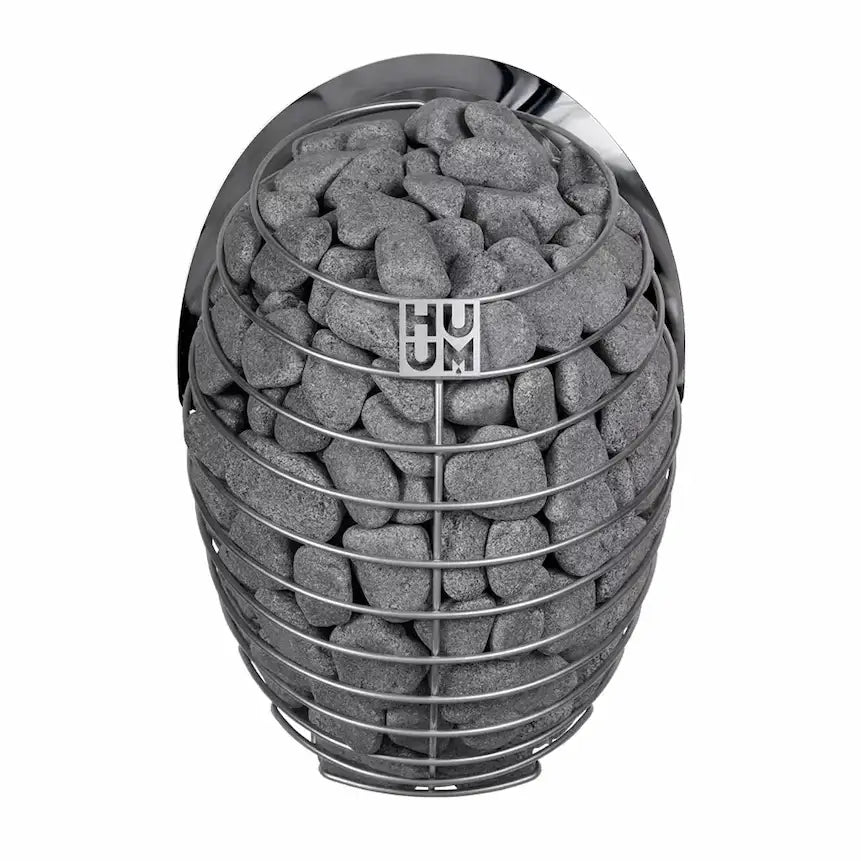
The Muscle: HUUM DROP 6kW Heater
The UKU controller is the brain, but this is the beautiful engine it controls, delivering that signature soft steam.
My Final Word: A System Worth the Setup
So, is the HUUM UKU controller a good system? Yes, it's a fantastic system. It's elegant, reliable when installed correctly, and the WiFi feature is a true game-changer that can fundamentally increase how often you use your sauna.
I worked with a client who was a busy surgeon with a completely unpredictable schedule. Before he had the WiFi controller on his new HUUM, he told me he could never plan to use his old sauna; by the time he got home and turned it on, he was too tired to wait for it to heat up. After we installed the UKU WiFi, he started turning it on from his phone at the hospital as he was finishing his last rounds. He told me it completely changed his relationship with his sauna, from a "weekend luxury" to a "daily tool for decompression." That's the real power of this system. It removes the friction.
It just requires a little bit of technical respect during the setup phase. Ensure a strong 2.4GHz WiFi signal to the main box, save your ID code, and you'll have a seamless, modern sauna experience right at your fingertips.
Ready to Do This Right?
I hope this guide helped clarify your options. If you want hands-on technical advice from our team, or product recommendations you can trust, just reach out.
Contact Our Team
Explore Our HUUM Controllers